
Surprise charges pile up
Renewals can hit quietly, especially when free trials become monthly payments.
Subscription reminders without the surprise charges.
Track subscriptions, payment dates, renewal reminders, and upcoming charges in one simple Android app.
The everyday subscription mess
SubReminder gives every recurring payment a home, a date, and a reminder before it becomes a surprise.
Renewals can hit quietly, especially when free trials become monthly payments.
Bank statements, emails, and app accounts make renewal tracking hard to scan.
Calendar notes work until a billing cycle changes or a reminder is missed.
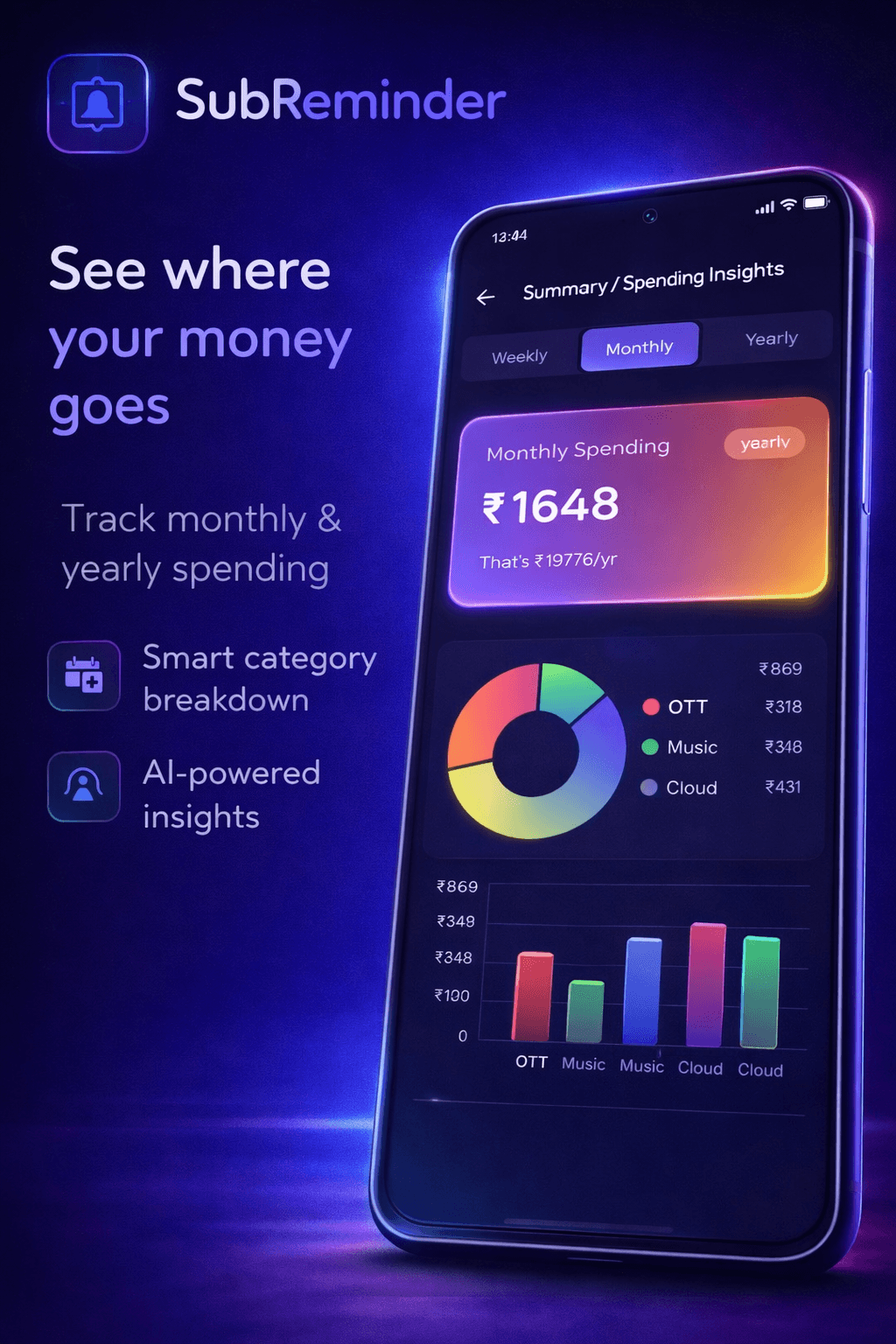
Seeing every subscription together makes monthly and yearly planning easier.
Features
Every screen is focused on answering one question quickly: what is renewing, when, and how much will it cost?
Keep streaming, apps, cloud tools, online services, and personal plans in a single dashboard.
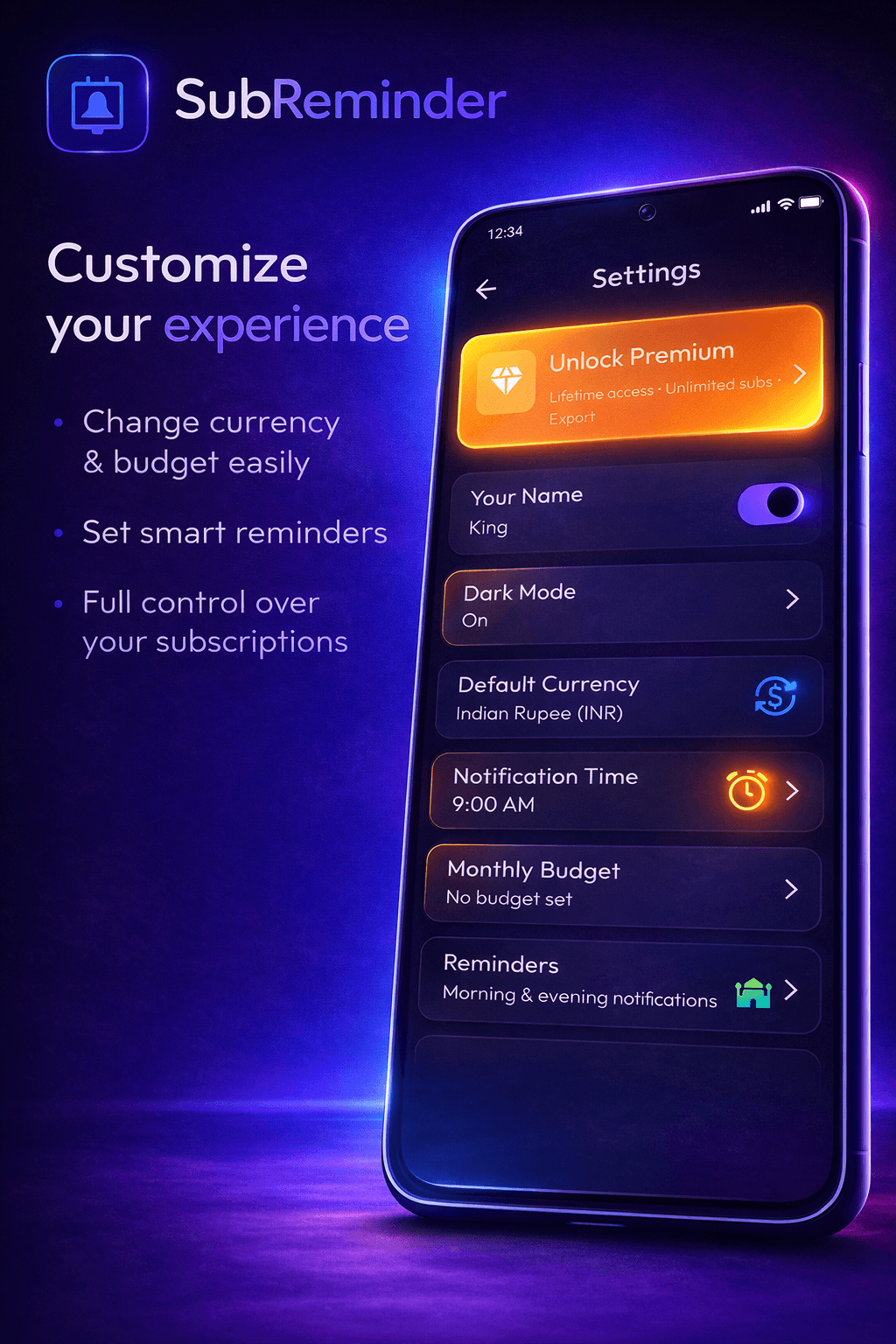
Set alerts early enough to cancel, pause, or budget before the next charge.
See what is due next and understand what is about to leave your account.
Track billing periods cleanly across monthly, annual, trial, and custom cycles.
Add price, category, notes, billing date, currency, and the details that matter to you.
Open the app and instantly understand total spending, renewals, and subscription status.
App preview
From quick totals to exact renewal dates, the app keeps the most important subscription details close at hand.
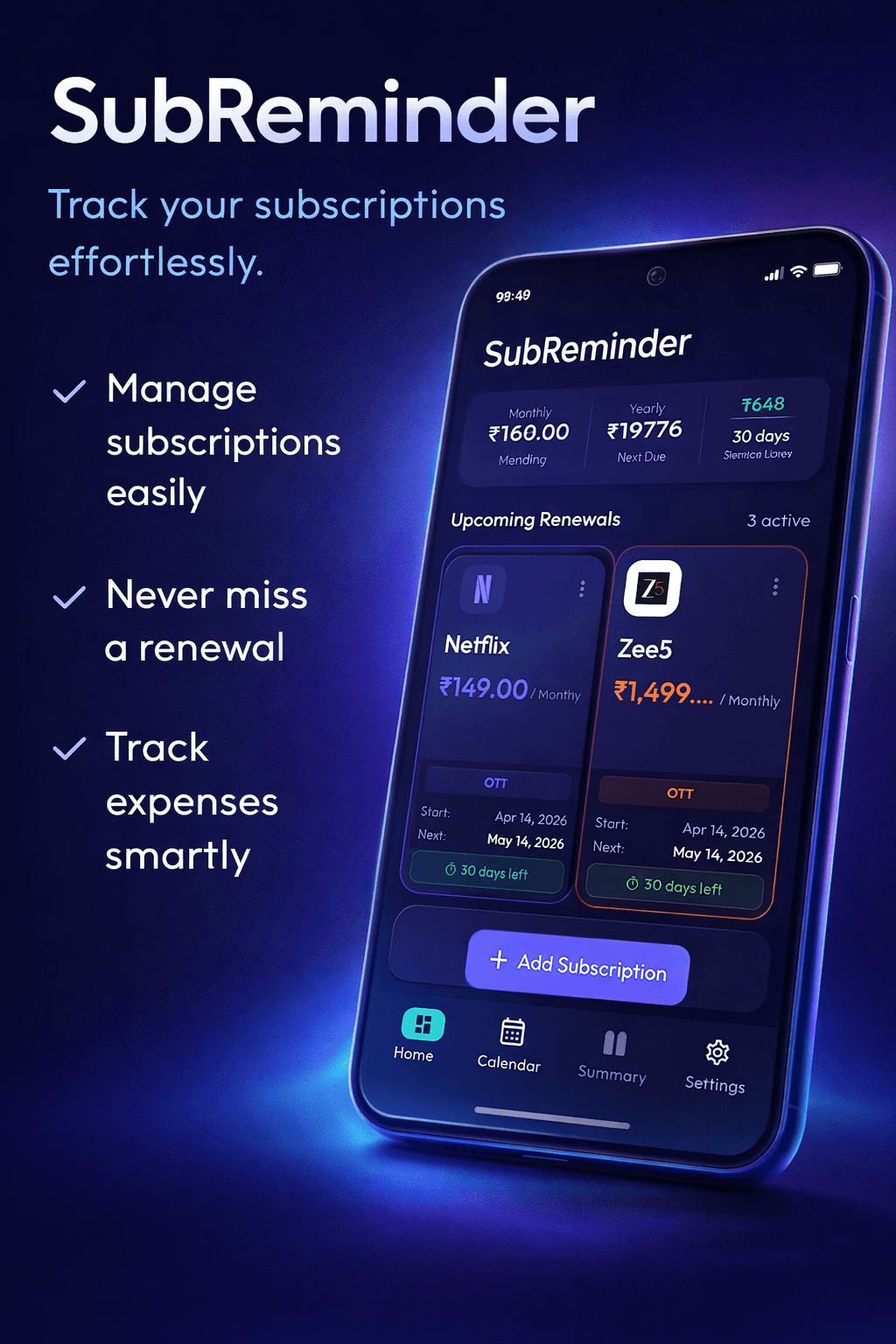
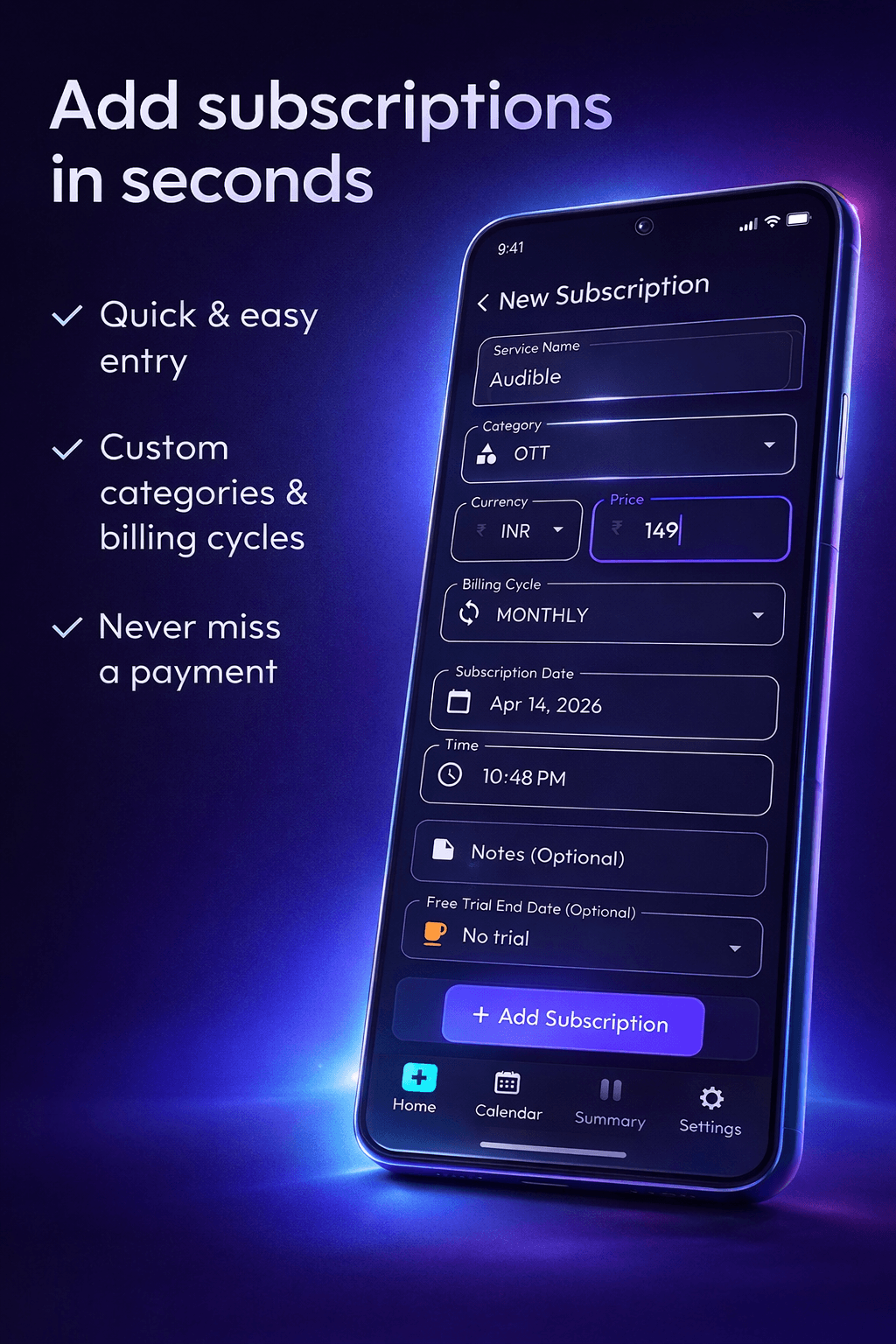
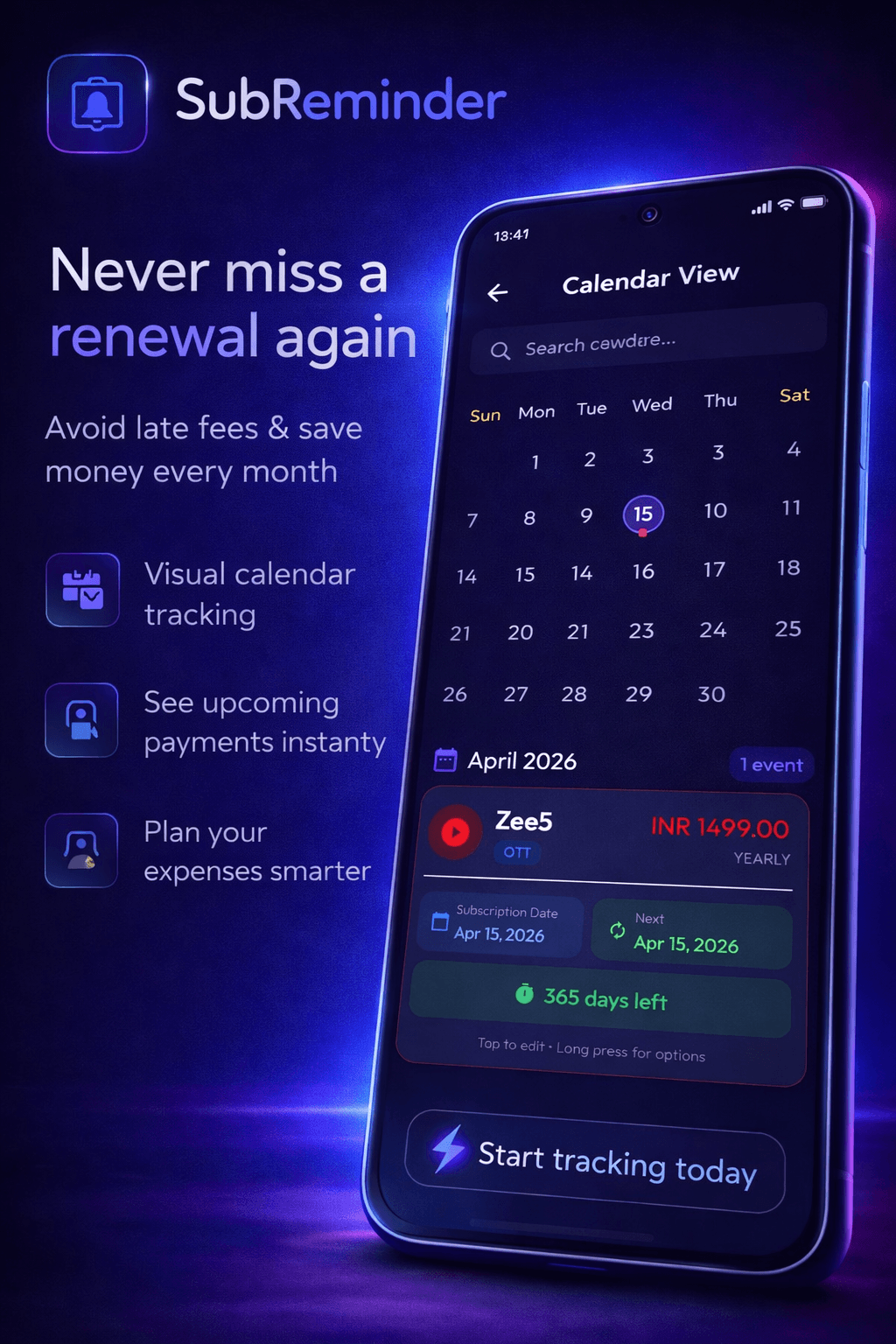
See it in action
A quick walkthrough of how SubReminder helps you track every subscription, set reminders, and stay ahead of renewal dates.
Track subscriptions, get timely reminders, and never miss a renewal again.
Download
Open your phone camera, scan the QR code, and download SubReminder in seconds from Google Play.
 Scan with your phone
Developer
SubReminder is developed by AAN Labs. The website can later connect with the AAN Labs site for support, updates, and more product information.
Benefits
Catch renewals before they charge and cancel plans you no longer use.
Keep recurring services, billing cycles, and notes in a single place.
Know what is due this month before you plan the rest of your spending.
Use reminders to make subscription renewals predictable instead of stressful.
FAQ
SubReminder is a mobile app for tracking subscriptions, renewal dates, payments, and reminders in one place.
Yes. SubReminder is available for Android through Google Play.
Yes. The app is designed for monthly, yearly, trial, and custom subscription cycles.
Yes. SubReminder helps you set reminders before payment dates so renewals are easier to manage.
You can use SubReminder to start tracking subscriptions. Check the Play Store listing for current pricing and premium options.